What Is AI Automation? A Guide for Small Business Owners

AI automation sounds like hype, but a few jobs work reliably today. This guide explains what AI automation is, how it differs from rule-based tools, where it falls short, what it costs to get started, and a low-risk first project that keeps you in control.
You have probably heard that AI will soon run your back office. Vendors say it, headlines say it, and your inbox is full of tools promising it. Let’s be honest: most of that is hype. I will cover what AI automation means, what it handles well, where it fails, what it costs, and a first project that will not put your business at risk.
What is AI automation?
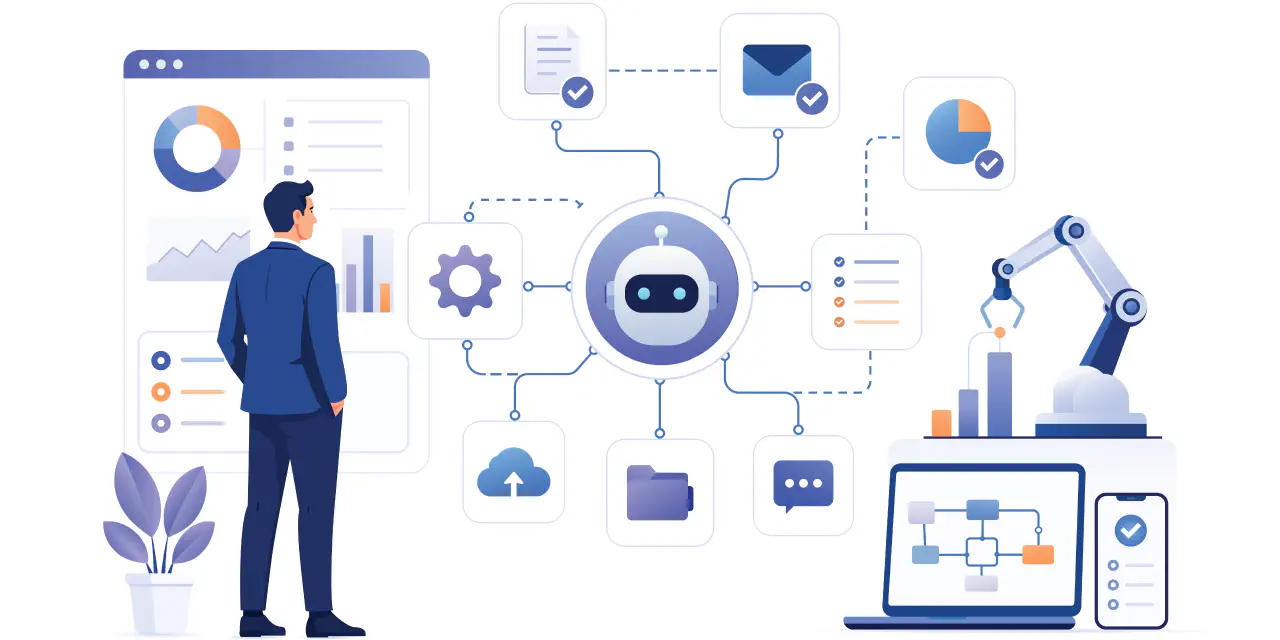
In short, AI automation is software that carries out tasks for you and uses AI for parts that require judgment, like reading an email or sorting a request. Think of a fast assistant who can read and write but has never worked at your company. Another way to think of it is that automation moves work from one place to the next. AI handles the messy part in the middle, like making sense of a paragraph of text.
For example, this blog post is a product of AI automation. I have an automated process that pulls weekly keywords from DataForSEO and uses AI to determine which keywords are trending and which would make great evergreen keywords. From there, I can review the results and determine which topics could make great blog posts. Once I’ve selected them, another AI workflow drafts the blog posts using my style guide and examples. While there is still some human intervention in the process, the overall result is that it helps me save time and stay consistent with my blogs.
How is AI automation different from rule-based automation?
Traditional rule-based automation executes tasks based on predefined rules: if A, then do B. Some examples include: pulling data from third-party services, adding rows to spreadsheets, and sending emails to clients. On the other hand, AI automation can help make decisions that simple rules can’t. For example, determining which topics to cover, the meaning of a message, or whether a client is complaining or requesting a quote.
My blog drafting automation workflow uses both. Traditional rule-based automation pulls data from DataForSEO and enters it into a spreadsheet. Then AI automation reads that spreadsheet and, using the data from DataForSEO, determines which topics should be covered that week.
What can AI automation reliably do for a small business?
One of AI’s strengths is language understanding and pattern classification. For a small business, that translates into a short list of jobs:
- Sorting messages: AI can help label incoming emails or form entries as sales, support, billing, or spam so the right person sees them first.
- Summarizing: AI can turn a long email thread or meeting transcript into a few bullet points.
- Drafting first versions: AI can help write a reply, product description, or follow-up that you edit before it goes out.
- Extracting data: AI can pull names, dates, and totals from invoices or emails into a spreadsheet.
- Answering routine questions: AI can help draft responses to common questions using your own FAQ, with someone checking the results.
You are not alone in considering how AI can help your business. The U.S. Chamber of Commerce’s 2025 report says 58% of small businesses use generative AI, up from 40% in 2024. Keep in mind that the Chamber also uses the report to argue a policy position on state AI regulation.
Where does AI automation still fail?
You may have heard about AI hallucinating: this is when AI generates text by predicting patterns, which can lead it to give you a confident but wrong answer. Which is why you should be careful with customer communication, contracts, and technical documentation. If a wrong answer reaches a customer, you’re still on the hook for it.
Two habits reduce the risk:
- Ground the AI in your own material. Feed the AI your manuals, policies, and FAQs so it answers based on your facts rather than guessing. Also, make sure to tell the AI that if it doesn’t know, it should use placeholders rather than guess.
- Keep a human checkpoint. Review the output before it reaches customers or drives a decision. Also, if anything is wrong, make sure to update your prompts to reflect those corrections in the future.
Some owners hesitate for good reason. In U.S. Chamber survey data cited by the JPMorganChase Institute, 33% of non-adopters worry about tool quality and 28% worry about legal or compliance issues.
Those worries are fair, and I have seen improper use of AI, both as a customer and as a software engineer. You have to make sure that any AI system has only limited read or write access to data. I’ve had an AI phone scheduling system hallucinate and give me another customer’s personal information, including their name and address, and I’ve also seen cases where people using AI to develop code had an entire production database deleted because they gave the AI too much access. AI can be a powerful tool when used correctly.
What does AI automation cost to start?
Less than most people expect, though task volume drives the real bill. These are vendor-published prices, so check current pricing before you budget.
- Zapier: The free plan includes 100 tasks per month. The Professional plan is $19.99 per month billed annually and includes 750 tasks, multi-step workflows, and premium apps.
- Make: This is the tool I use most for building multi-step workflows visually. Check its pricing page for current plans, because they change.
- Microsoft 365 Copilot Business: Microsoft announced a price of $21 per user per month, and says it can help automate emails, reports, and proposals inside Word, Excel, Outlook, and Teams. That is vendor marketing, so verify the price before you rely on it.
I advise clients to buy before considering building a fully custom workflow. Custom software is expensive to maintain, and a small business rarely needs it for these jobs. Even as a seasoned software engineer, I would rather use a third-party vendor like Make than dedicate weeks or months to developing an automated workflow from scratch unless absolutely necessary. I can spend that time elsewhere in my business.
What is a low-risk first project for AI automation?
Always do the process manually first. Automate it only when you fully understand it, and it has become a pain point for time or accuracy.
A good first project is sorting website inquiries and drafting replies:
- Pick one source. Choose a contact form or shared inbox that eats time every week.
- Write down your process. Note how you handle each type of message and what a good reply looks like.
- Connect the tools. Use an automation tool like Zapier or Make to send each new message to an AI step that labels it and drafts a reply.
- Save drafts, never send. Nothing reaches a customer without your approval.
- Add failure alerts. Get an email if a step breaks or an answer looks cut off.
For me, a low-risk project is drafting blog posts. I’m not a fan of writing blog posts, and it can take me a day to finish one, so having a draft ready to go helps speed up the process. Now I’m just editing rather than trying to figure out what to write.
Final Thoughts
AI is a great tool to add to a business automation workflow when a task is too complex for a simple rule. Such as reading, sorting, summarizing, and drafting responses. AI does not replace your judgment, and anyone who says otherwise is trying to sell something.
If you’re looking to add AI automation, start small and make sure to keep a human involved at some point. Always review any content that will be visible to a customer, as you and your business reputation are on the line, not the AI’s.
Looking to get started? I offer a free 30-minute business automation consultation.